Are people still using MySQL?
After initially released on 23rd May 1995 MySQL is still first go to solution of DB System for many of the techies like us. MySQL is the worlds third most popular RDBMS, owned and operated by one of the largest software companies in the world (Oracle). In fact, according to the Stack Overflow Developer Survey 2021, MySQL was still considered the most popular database technology.
So how does MySQL came so far in this fast pacing tech world? answer is simple MySQL team might had believed in "Change is the only constant". MySQL team had continuously released versions with with new features and solutions to keep it most popular among the developer community.
Here we are discussing one of its very use full feature. Triggers
What is Triggers, why anyone needs to use Triggers?
As stated by MySQL team
A trigger is a named database object that is associated with a table, and that activates when a particular event occurs for the table. Some uses for triggers are to perform checks of values to be inserted into a table or to perform calculations on values involved in an update.
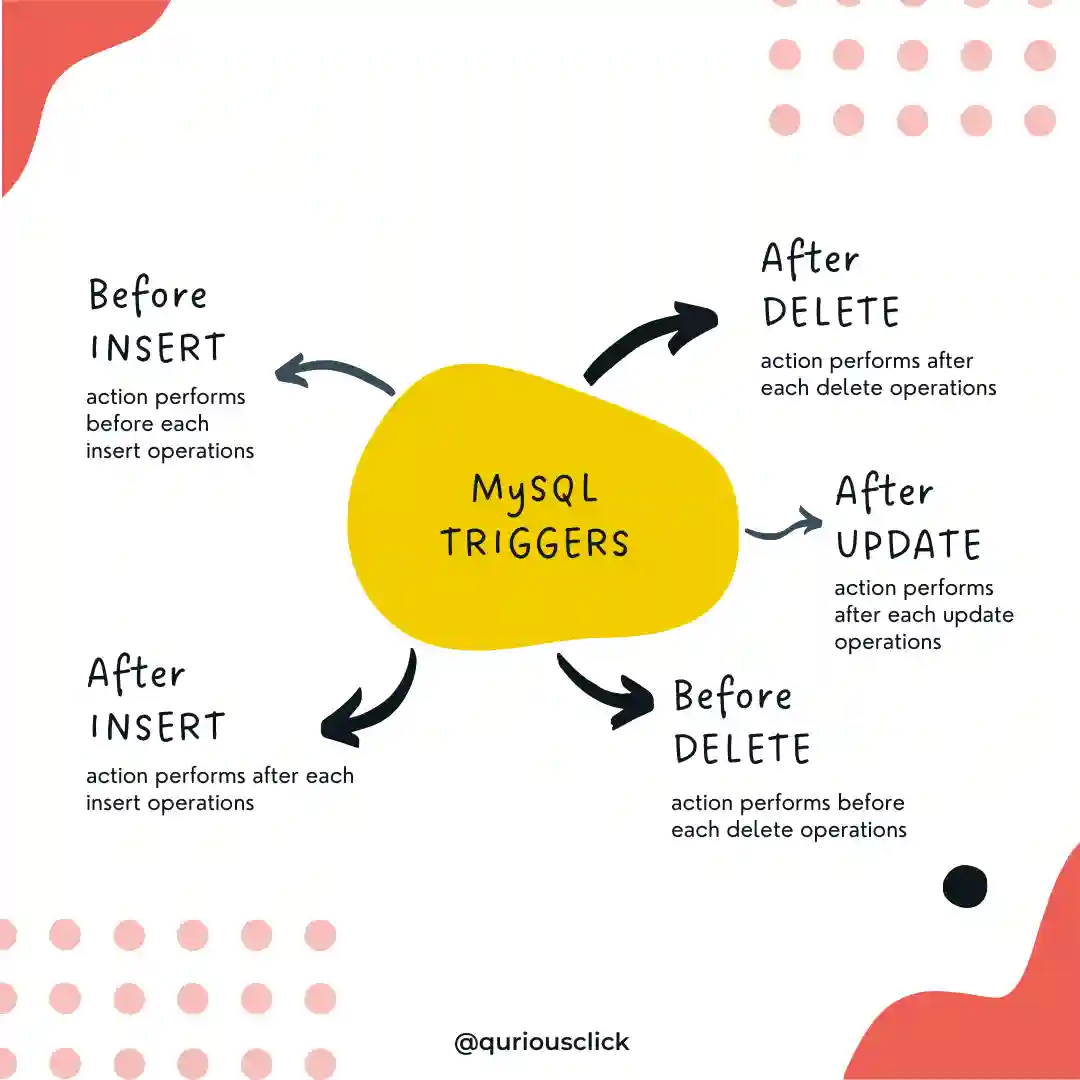
A trigger is defined to activate when a statement inserts, updates, or deletes rows in the associated table. These row operations are trigger events. For example, rows can be inserted by
INSERTorLOAD DATAstatements, and an insert trigger activates for each inserted row. A trigger can be set to activate either before or after the trigger event. For example, you can have a trigger activate before each row that is inserted into a table or after each row that is updated.
Imagine you have other MySQL operations to do on or after each MySQL query fires, either you can code it in your Back end language whichever you are using or you can configure that action in MySQL it self.
e.g. If you are storing total like counter data in DB. you will want to update that counter whenever new entry gets inserted in likes table. This can be made possible with using AFTER INSERT Trigger.
How to use Triggers?
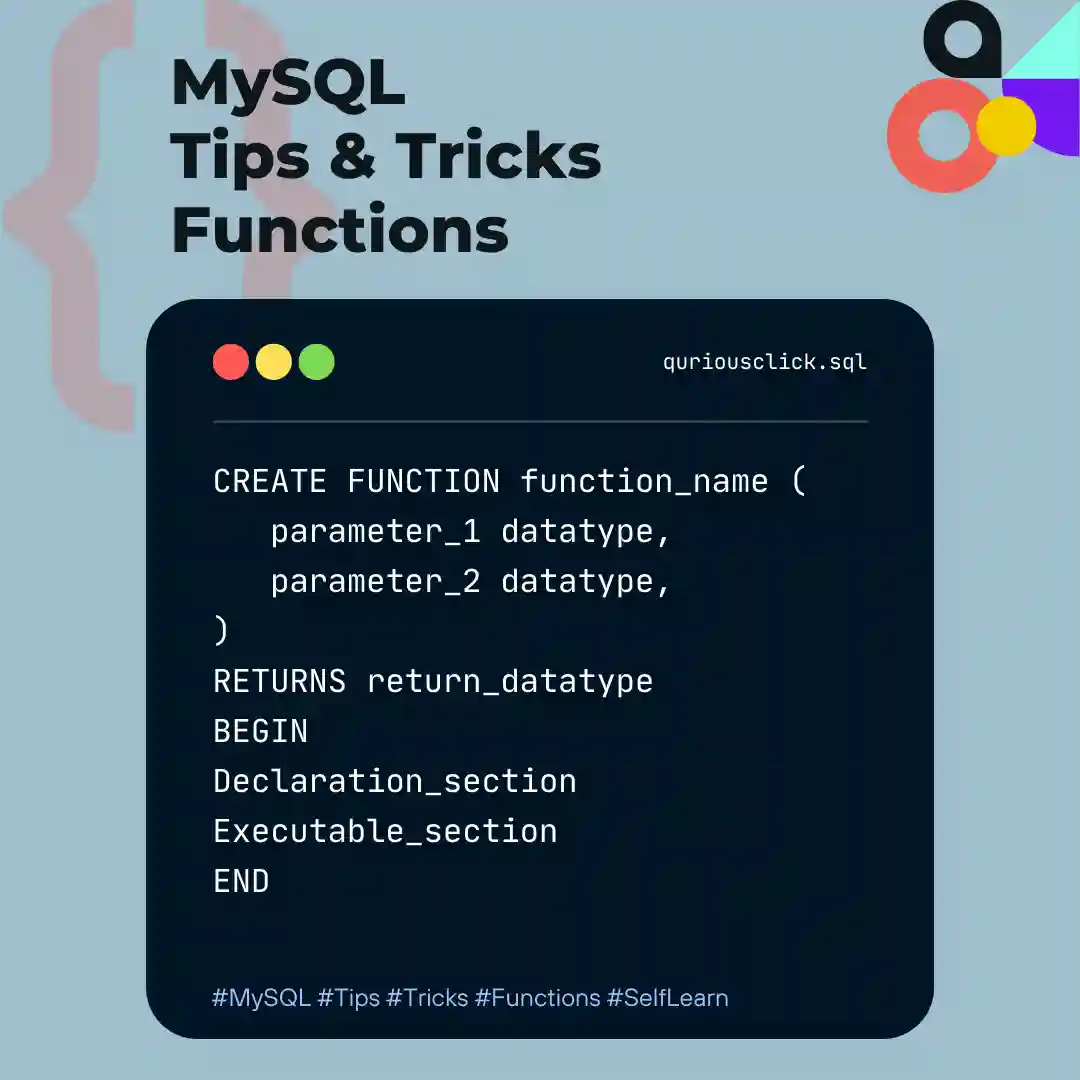
To create a trigger or drop a trigger, use the
CREATE TRIGGERorDROP TRIGGERstatement. described in Section 13.1.22, “CREATE TRIGGER Statement”, and Section 13.1.34, “DROP TRIGGER Statement”.
Here is a simple example that associates a trigger with a table, to activate for INSERT operations. The trigger acts as an accumulator, summing the values inserted into one of the columns of the table.
mysql> CREATE TABLE `qc_posts` (`id` INT, `total_likes` INT);
Query OK, 0 rows affected (0.03 sec)

mysql> CREATE TABLE `qc_user_post_likes` (`post_id` INT, `user_id` INT);
Query OK, 0 rows affected (0.03 sec)

mysql> CREATE TRIGGER `qc_update_total_post_likes` AFTER INSERT ON `qc_user_post_likes` FOR EACH ROW UPDATE `qc_posts` SET `qc_posts`.`total_likes` = (SELECT COUNT(`qc_user_post_likes`.`post_id`) FROM `qc_user_post_likes` WHERE `qc_user_post_likes`.`post_id` = NEW.post_id);
Query OK, 0 rows affected (0.01 sec)- The keyword
BEFOREindicates the trigger action time. In this case, the trigger activates before each row inserted into the table. The other permitted keyword here isAFTER. - The keyword
INSERTindicates the trigger event; that is, the type of operation that activates the trigger. In the example,INSERToperations cause trigger activation. You can also create triggers forDELETEandUPDATEoperations. - The statement following
FOR EACH ROWdefines the trigger body; that is, the statement to execute each time the trigger activates, which occurs once for each row affected by the triggering event. In the example, the trigger body is a simpleSETthat accumulates into a user variable the values inserted into theamountcolumn. The statement refers to the column asNEW.amountwhich means “the value of theamountcolumn to be inserted into the new row.”
here you have another example of how trigger can be used
CREATE TRIGGER upd_check BEFORE UPDATE ON account
       FOR EACH ROW
       BEGIN
           IF NEW.amount < 0 THEN
               SET NEW.amount = 0;
           ELSEIF NEW.amount > 100 THEN
               SET NEW.amount = 100;
           END IF;
       END;//
Things to note while using Triggers
When you use Triggers make sure to use exact names of Tables and Fields, and after creating trigger test in once before being sure about its usage. otherwise on any error MySQL will stop performing next actions. As if a BEFORE trigger fails, the operation on the corresponding row will not get performed. Or sometimes an error during either a BEFORE or AFTER trigger results in failure of the entire statement that caused trigger invocation.
Below are some of the most effective use cases of using Triggers
- To UPDATE Order Total on changes in Order Item
- To UPDATE counters on changes in Post like, dislike or Total posts
- To INSERT User Configuration data on New User Signup
- To UPDATE Calculation on Arithmetic Data changes
So, we hope this short brief can help you in understanding Triggers and using it more effectively. You can contact us to Share your thoughts or reviews.